
Bill Calendar
Put every bill on one calendar. Add rent, utilities, subscriptions, loans and cards with their due day and how often they repeat; the calendar places them on the right dates, totals the month, and splits bills between your paydays so you can see what each paycheck needs to cover.
- Free to use
- No sign-up
- Runs in your browser

Bill calendar
| Bill | Amount ($) | Due day / first date | Repeats |
|---|
Bill Calendar & Tracker Workbook
Excel bill tracker with due dates, autopay and paid status, pay-period allocation, a blank monthly bill calendar grid, annual bills planner and a printable monthly bill checklist.
- Bill tracker (XLSX)
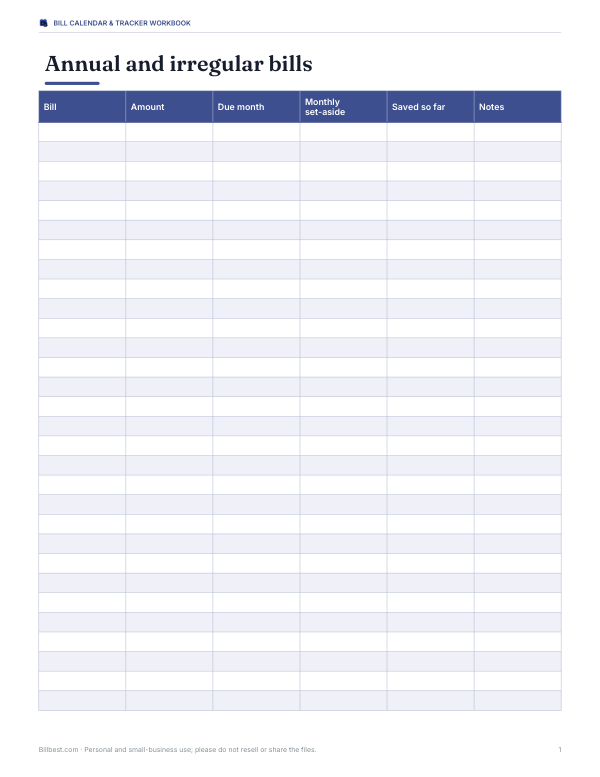
- Annual bills planner (XLSX, PDF)
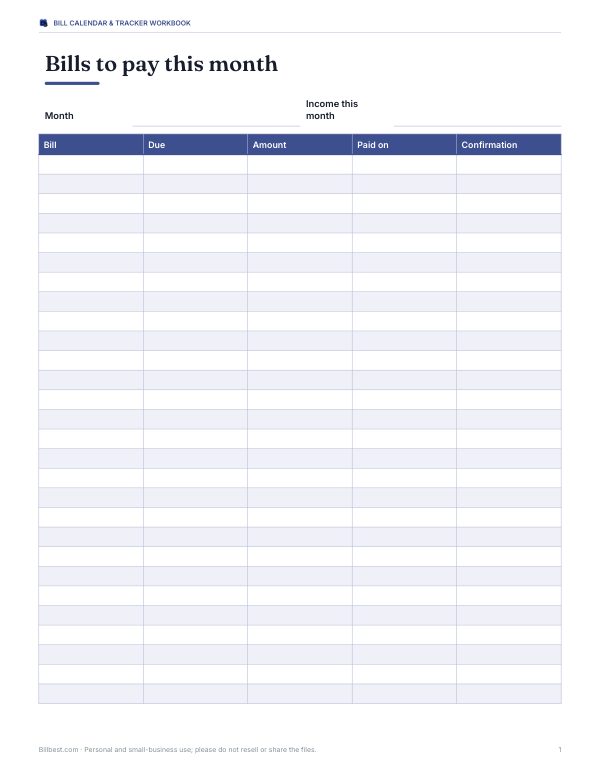
- Monthly bill checklist (PDF, DOCX, XLSX)
- Printable bill calendar grid (PDF, DOCX)
Formats: XLSX, PDF, DOCX. Instant download after payment (link valid 72 hours, up to 5 downloads). AI-assisted: the templates were drafted with AI help and reviewed and laid out before publishing.
$4.00 USD, one-time 4 files · about $1.00 each
- Instant download
- 7-day refund
- Secure checkout by Stripe
7-day money-back guarantee. Full refund within 7 days of purchase, even after you download.
Free sample: Annual Bills Planner (PDF, 67 KB)
Full refund within 7 days — see the refund policy and license.
Free printables
Single sheets you can print right now, no sign-up. The full pack adds every sheet in one download plus the editable files.
 Printable Bill Calendar Grid
Why use a bill calendar
A list of bills tells you what you owe; a bill calendar tells you when. Seeing due dates on a calendar alongside your paydays shows whether a paycheck needs to cover rent, the car loan and the phone bill all in the same week, and when there is breathing room. That makes it easier to avoid late fees, overdrafts and the stress of a bill landing just before payday.
How to use the bill calendar
- Add each bill with its amount and due day. For monthly bills, enter the day of the month (e.g. 22).
- For bills that repeat weekly or every two weeks, choose the repeat and enter the first due date.
- For quarterly or yearly bills (insurance, subscriptions, property tax), enter the first due date so the calendar knows which months they fall in.
- Choose your pay schedule and, for weekly or every-two-weeks pay, the date of a recent payday.
- Pick the month to view. The calendar shows bills on their due dates, marks paydays, and totals bills for each pay period.
- Print the calendar or export the month’s bills to CSV.
If a bill is due on the 31st, it appears on the last day of shorter months.
Pay period planning
The summary splits bills between paydays: bills due on or after one payday and before the next are assigned to that paycheck. If one period is much heavier than the other, consider asking some billers to move your due date — many utilities, card issuers and lenders allow this — or set aside part of the lighter paycheck for the heavier period.
| Pay schedule | Paychecks per year | Tip |
|---|---|---|
| Weekly | 52 | Assign each bill to a specific week |
| Every two weeks (biweekly) | 26 | Two months a year have three paychecks — use the extra one for savings or annual bills |
| Twice a month (1st and 15th) | 24 | Split big bills between halves |
| Monthly | 12 | Keep a buffer for bills due before payday |
Worked example
A household with semi-monthly pay (1st and 15th) has rent of $1,450 due on the 1st, electricity $95 on the 12th, phone $55 on the 18th, a car loan $320 on the 22nd, streaming $15.49 on the 27th, and quarterly car insurance of $540. In an insurance month, the first paycheck covers $2,085 (rent, insurance and electricity) and the second covers $390.49. Seeing that imbalance, they ask the electricity company to move its due date from the 12th to the 20th, and plan to set aside $180 from each second-half paycheck towards the quarterly insurance, so no single paycheck has to carry it.
Bills people forget
- Annual subscriptions and memberships.
- Car registration, licence renewals and inspections.
- Quarterly or semi-annual insurance premiums.
- Property tax and HOA fees.
- Water and sewer bills billed every two or three months.
- Free trials that convert to paid plans.
- Medical bills on payment plans.
Autopay: pros and cons
Autopay avoids late fees and saves time, but it can cause overdrafts if an account balance is low when a bill is drawn, and it makes it easy to keep paying for services you no longer use. A good compromise is autopay for fixed essentials (rent, loans, insurance) and manual payment or reminders for variable bills — combined with a monthly review using a calendar like this one.
Building a bill buffer
A one-month buffer — enough in your current account to cover a month of bills before the next paycheck arrives — removes most timing problems. Build it gradually by setting aside a small amount each pay period, or use an extra paycheck in a three-paycheck month. Once you have a buffer, you can pay bills from last month’s income and due dates matter far less.
A monthly bill review routine
- At the start of each month, open the calendar for the new month and check every bill appears.
- Compare amounts with last month; investigate any increase.
- Confirm autopay accounts have enough money for the bills due before the next payday.
- Cancel subscriptions you no longer use.
- Mark bills as paid as you go, and keep confirmation numbers.
- At the end of the month, note any late fees or surprises and adjust next month’s plan.
Ten minutes a month is usually enough, and it catches price rises and forgotten subscriptions early.
Privacy
Your bills are processed in your browser only. Nothing is uploaded or stored — close the page and the data is gone. Export a CSV or print the calendar if you want to keep it, or use the paid workbook for a permanent record.
Frequently asked questions
How do I make a bill calendar?
List each bill’s due date and amount, place them on a monthly calendar and mark your paydays.
Can it handle bills every two weeks?
Yes, choose “biweekly” and enter the first due date.
What about quarterly or yearly bills?
Enter the first due date; they appear only in the months they fall due.
How are bills assigned to paychecks?
Each bill goes to the most recent payday on or before its due date.
Is my data saved?
No. Print or export the calendar to keep it.
Can I change my due dates?
Many billers allow it; ask them if your pay periods are unbalanced.
Does it include income?
It marks paydays and splits bills between them; enter your income in the paid workbook to see what is left after bills.
Can I use it for a small business?
Yes, for recurring expenses such as rent, software and insurance; a full accounting system is better for invoices and taxes.